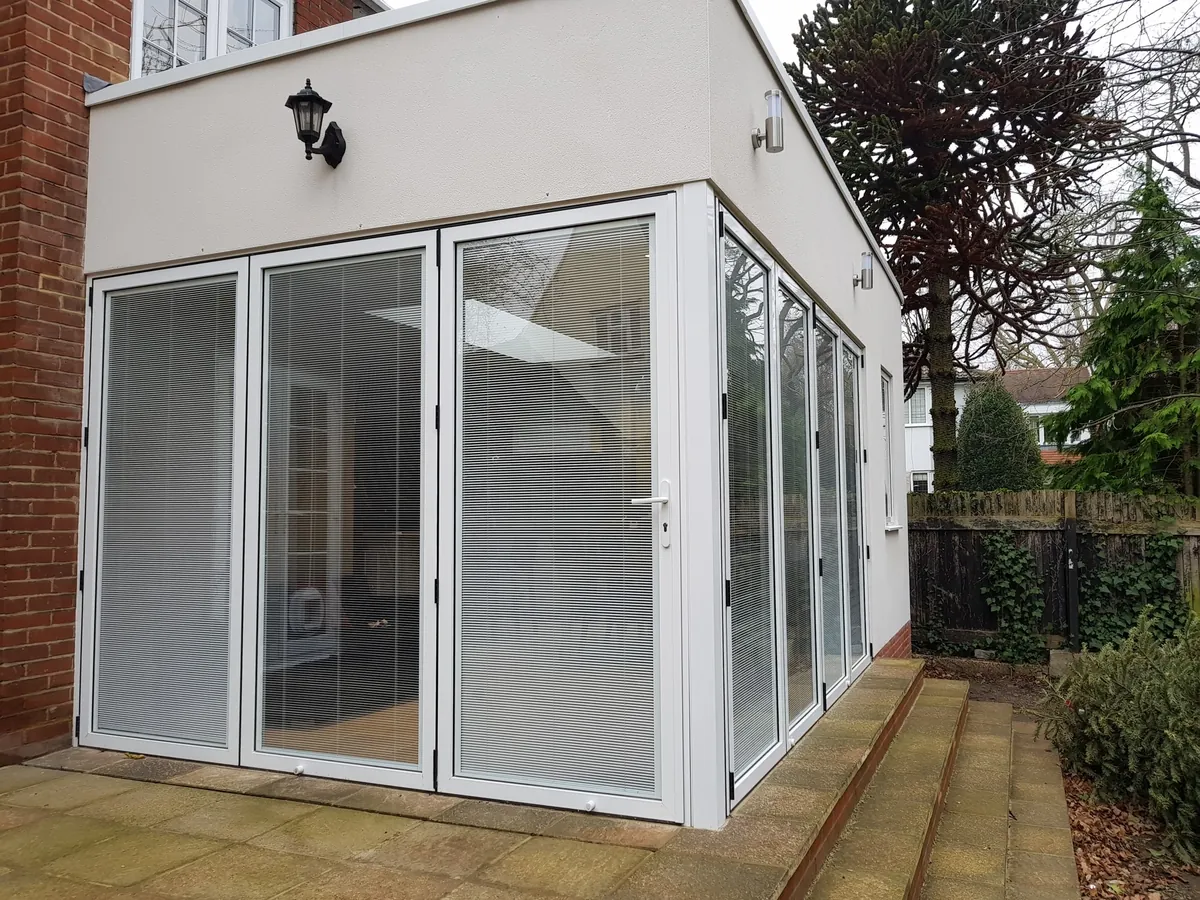
We've added a free window and door designer to the website. It works on a phone, a tablet or a computer, and you don't need an account.
How it works
- Pick a product. Choose from our range, or start from any product page to design that system.
- Add rough sizes. Not sure? Tick "I'm not sure" and we'll use a typical size. We measure everything properly on survey anyway.
- Choose the style. Tap each pane to change how it opens. For sliding and bi-fold doors, choose how many panels and which ones move.
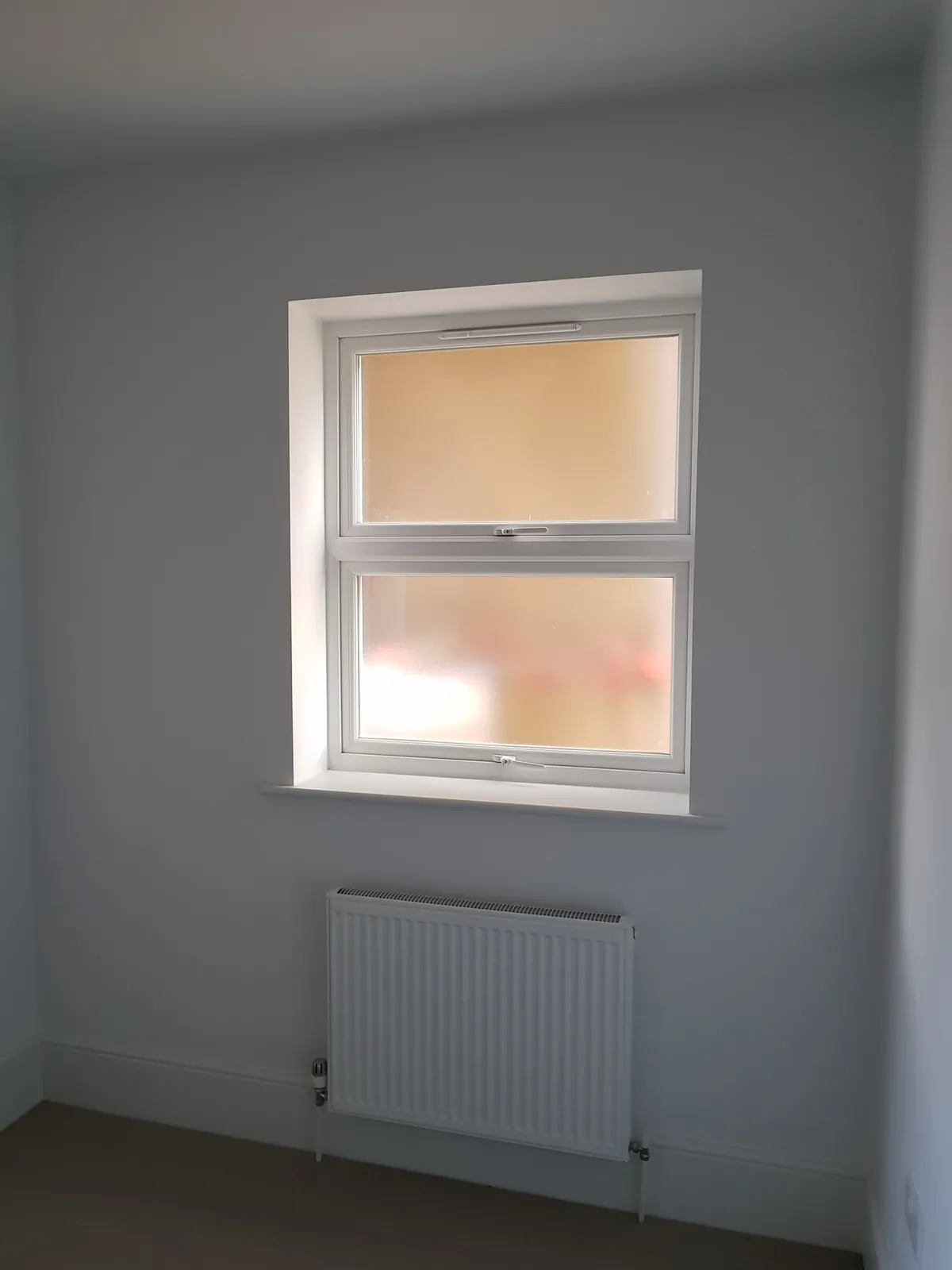
- Choose colours and glass. Pick one colour or different colours inside and out, and clear or obscure glass, with all twenty Texture by Pilkington patterns.
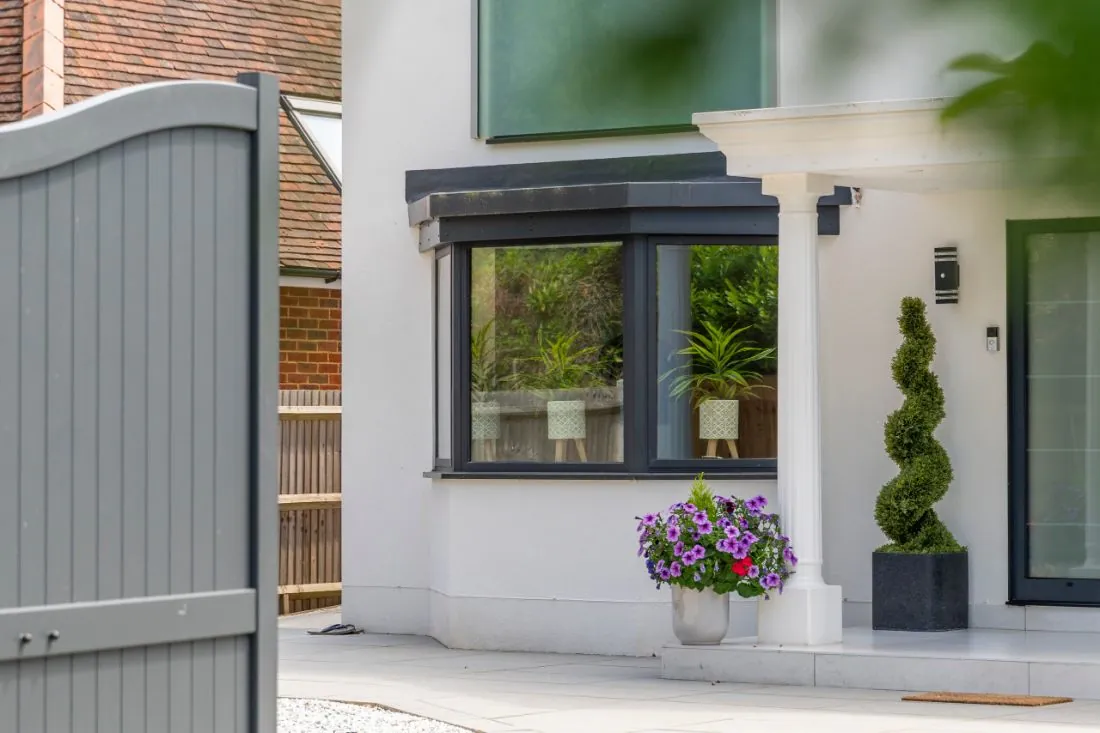
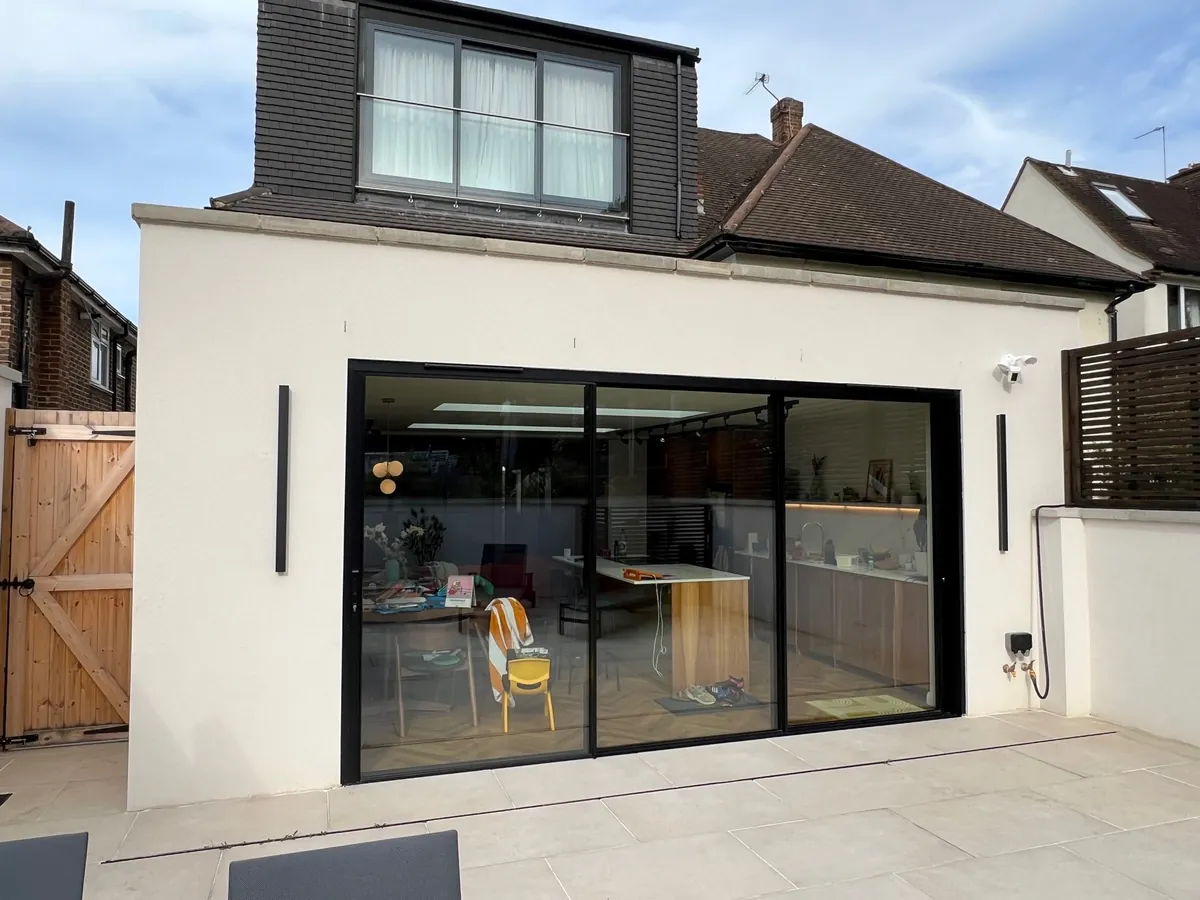
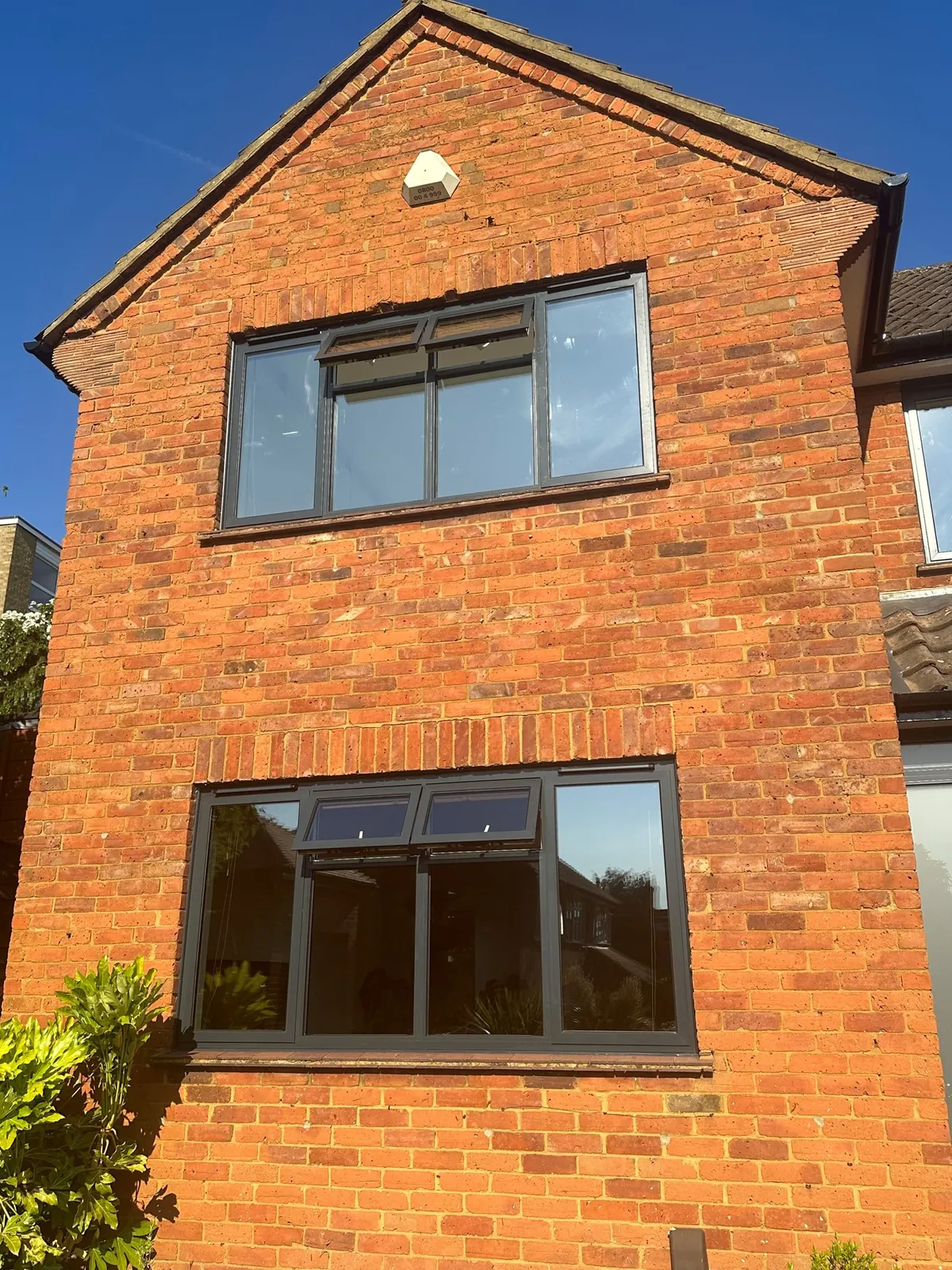
- See it on your house. Upload a photo of your home and drag each design into place, then pull the corners to match the angle.
- Send it to us. We get your design with drawings and your photo, and we'll be in touch about your quote.
Made for each system
Each product only offers the options it really has. Heritage doors show the patch lock, Timberlook and Roseview use their own colour ranges, and tilt and turn is only offered on tilt and turn windows.
Try the designer. It only takes a few minutes.